
The incident that prompted this series involved a site that went down while I was watching a wrestling championship two hours from home. I had monitoring in place. I knew the site was down within minutes of it happening.
Knowing a site is down and being able to fix it are two different things. That is the part most conversations about monitoring do not address.
What Uptime Monitoring Does
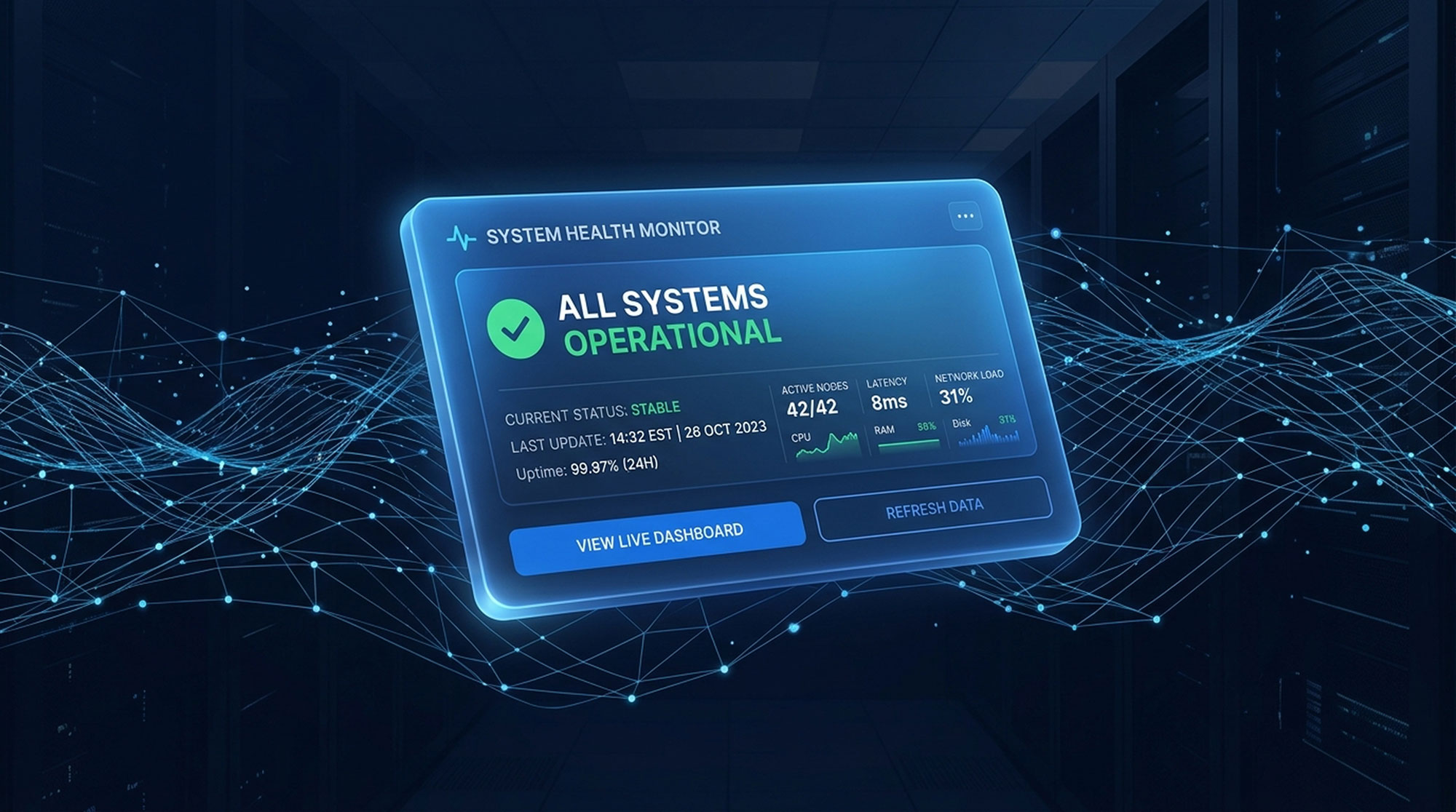
Uptime monitoring checks whether your site is responding at regular intervals, typically every one to five minutes. When it stops responding, the monitoring service sends an alert by email, SMS, or app notification.
It confirms the site is down and tells you when. It does not tell you why. It does not fix anything. It gives you the earliest possible awareness that something needs attention.
A site that has been down for six hours before anyone notices is a worse situation than one where someone is alerted within five minutes. But the alert is the beginning of the response, not the response itself.
What Security Monitoring Adds
Security monitoring watches for specific indicators of compromise: file changes in core directories, new admin accounts created, outbound requests to known malicious addresses, and database changes that do not correspond to normal activity.
A compromised site can still load and appear functional while running malicious code. Uptime monitoring would show nothing wrong. Security monitoring would catch the file change.
On a WordPress site, security monitoring watches the files that bots target most frequently, including index.php. A change to that file outside of a scheduled update is worth examining immediately.
The Response Gap
Monitoring is only as useful as the response capability behind it.
I had an alert at the wrestling championship. I had my laptop. I also had gym Wi-Fi on a crowded network and a battery running down. The monitoring worked exactly as intended. The response was constrained by circumstances unrelated to the tools.
This is why the incident pushed me to invest in changes to response, not to alerting. Documented processes for the most common attack scenarios. Faster access to clean backups. Tools that enable more remediation to happen remotely.
What Clients Should Expect
Alert acknowledgment within a defined window. A documented process for the most common incidents. A working backup that can be restored to a clean state. Honest communication when something is outside the window for immediate action.
The client whose site went down understood those limits and handled it without difficulty. But understanding the limits should not require finding them out during an incident.
Need a plan? Book a one-hour strategy session and walk away with a clear direction for your website, security, or digital strategy. All sessions are recorded with full transcription. $250 — Book a Strategy Call
Want to get to know me first? Book a free 15-minute intro call. No pitch, just a conversation. Book a 15-Minute Call
Cybersecurity Series
- The Hack I Couldn’t Fix Between Matches
- The Same Tools Powering AI Are Being Used to Attack Your Website
- 7 Signs Your Website May Already Be Compromised
- Why Small Business Websites Get Hacked (And Why It’s Usually Not Personal)
- What It Actually Costs to Clean a Hacked Website
- How Bots Actually Find Your Website
- Taking Over a Website Means Taking Over Its History
- What Website Monitoring Actually Means